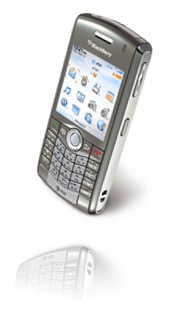
I have been vexed for quite some time, as has a friend of mine, regarding the process one must use to delete multiple messages in the Blackberry environment. It seemed as if there was no way to delete multiple e-mails / text messages, or delete all of them simultaneously. On my previous cell phone, the Sony Ericsson W810 (a great little phone by the way), you could easily delete all text messages in one fell swoop. Because I am able to keep track of several different e-mail accounts, in addition to all of my text messages, my message views on my Pearl were beginning to become more than just a little cumbersome. Up to now, I have been deleting items one by one, which, as one can guess, is dramatically inefficient. Thankfully, I have found the answer I have been looking for: how to delete all or multiple e-mails or text messages simultaneously for a given date. My thumb is now forever grateful for finding this little gem.
In order to delete multiple e-mails or text messages, all one has to do is hold the alt key down on the keypad and roll down the list, which selects the e-mails / messages one by one as you drag down. Once you have all the e-mails / messages you want to delete selected, all you have to do is press the Menu button and choose the Delete option. If, on the other hand, you want to delete all of the e-mails / messages for a given date, just roll to the date above the messages, and while selected, press the Menu button and choose the Delete Prior option, which will delete all messages for that date! Whew! What a find! This now means that I can spend more productive quality time with my Crackberry, and by productive, I mean text messaging my friends.
Hopefully this little tidbit helps you become more productive with your own Blackberry device! Viva la Blackberry!
BYL = blog you later!

No comments:
Post a Comment